These are the steps to connect and test the touch sensor for the Building Happy, the AI hardware robot project
The sensor
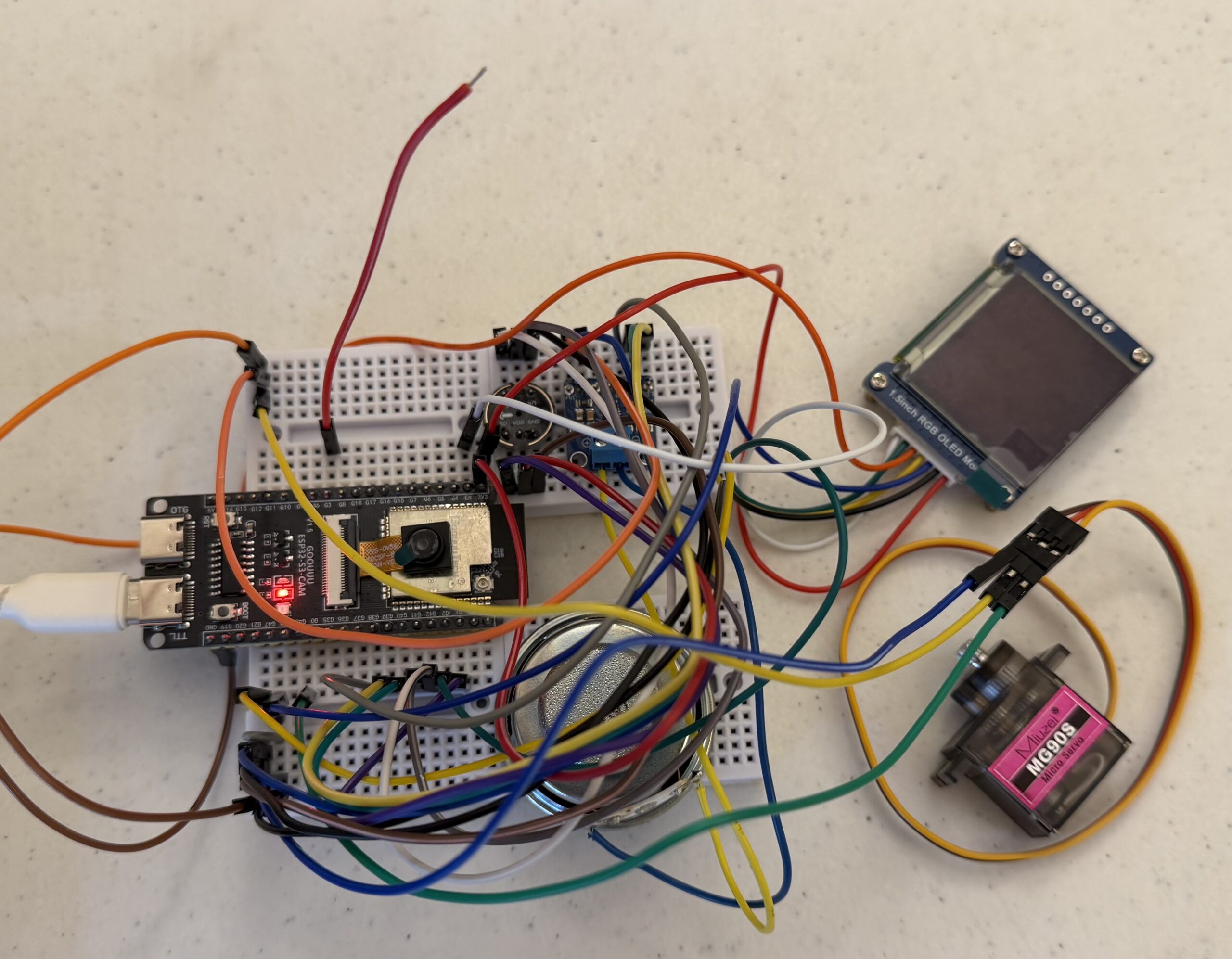
- For the first quick test it is enough to use a short wire with an exposed metal end. Later we will solder a small metal plate to it. The plate will serve as a touch sensor for the robot.
Connect the touch sensor
- Connect one end of the wire to the breadboard based on Touch: copper pad
Test the touch sensor
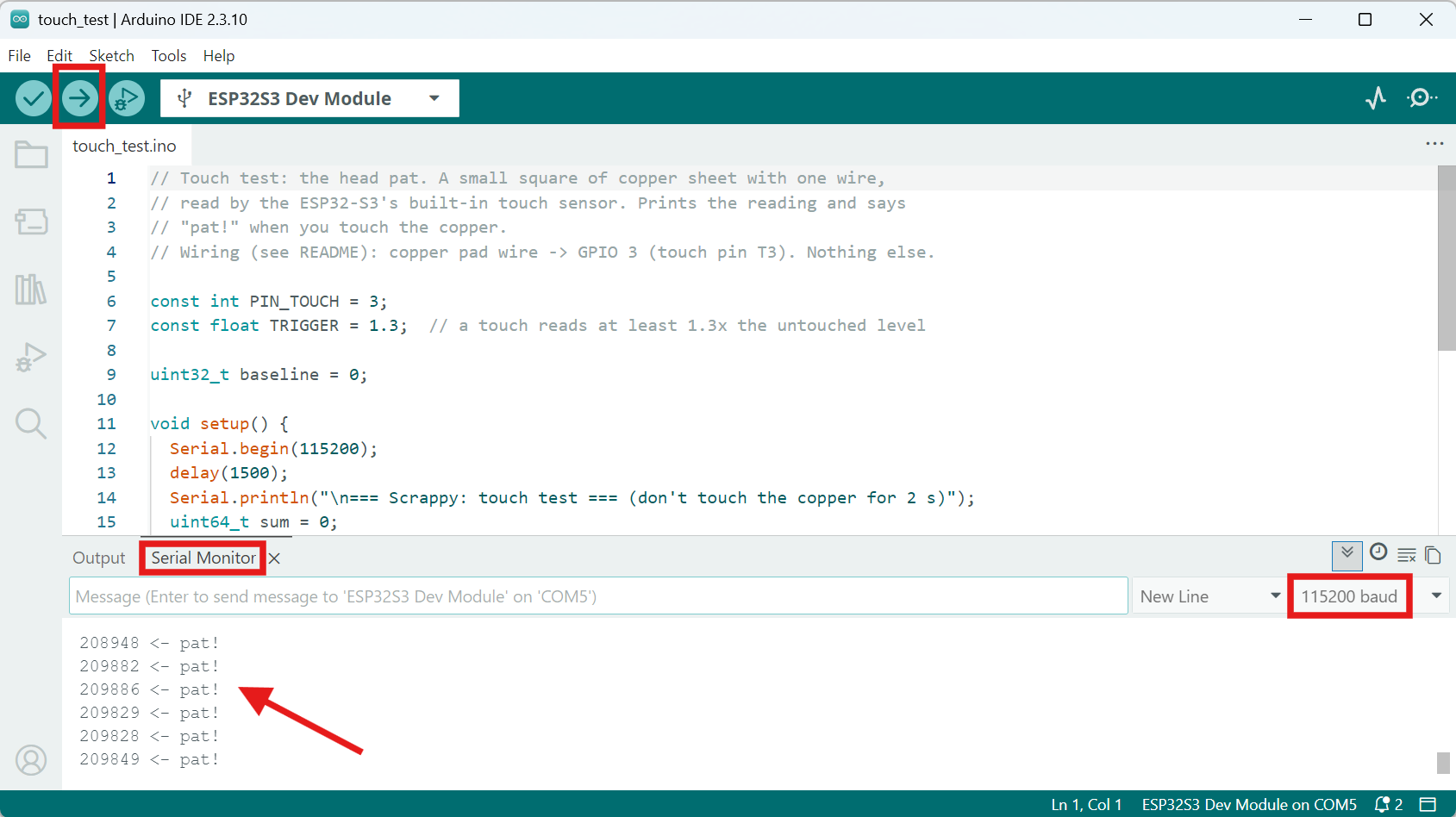
- Upload the firmware/tests/touch_test/touch_test.ino file to the board
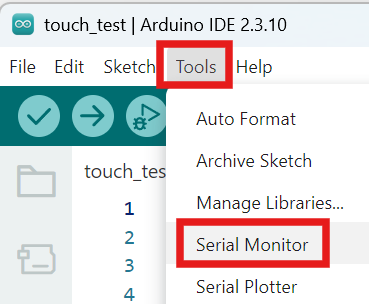
- In the Tools menu open the Serial Monitor
- Set the serial monitor speed to 115,200 baud
- Touch the bare end of the wire. You may need to make your finger wet to get a better contact with the wire. When you touch the wire the serial monitor should show the detected signal level and the phrase <- pat!