Skip to content
Pinter Computing

Knowledge Base for IT Professionals, Teachers, and Astronauts

Pinter Computing

Knowledge Base for IT Professionals, Teachers, and Astronauts

  • Home
  • Programming
  • DevOps
  • Project Management
  • Software and Hardware
  • Miscellaneous
  • Egyebek
  • About
  • Experience
  • Education
  • Contact
  • Home
  • Programming
  • DevOps
  • Project Management
  • Software and Hardware
  • Miscellaneous
  • Egyebek
  • About
  • Experience
  • Education
  • Contact
Close

Search

Home/AI/Happy, the AI hardware robot – the face – display
AI

Happy, the AI hardware robot – the face – display

By Laszlo Pinter
November 10, 2026 1 Min Read
0

These are the steps to connect and test the display for the Building Happy, the AI hardware robot project

Add pins to the display cable

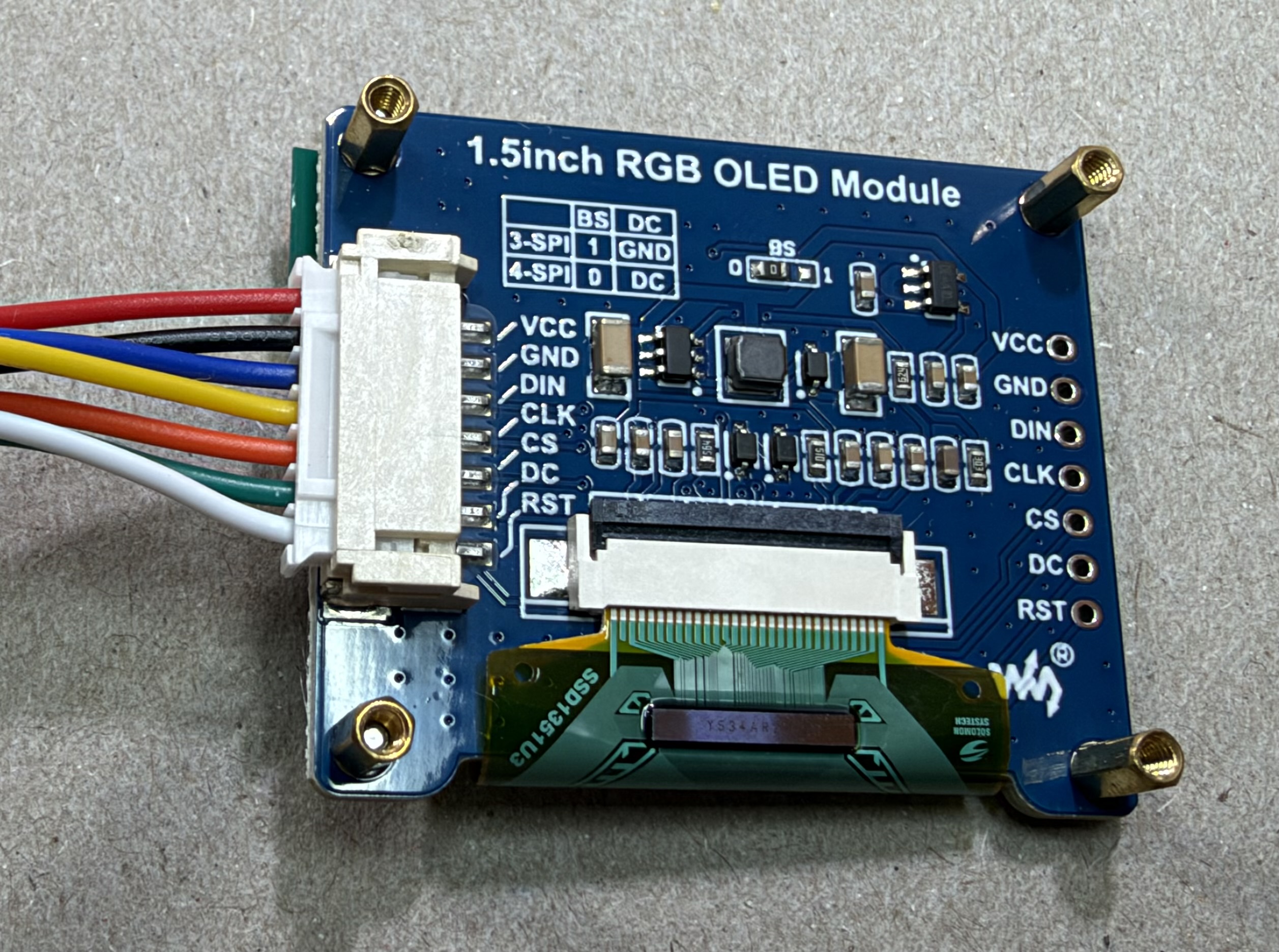
  • Push the cable connector into the socket on the 1.5 Inch RGB OLED Display Module
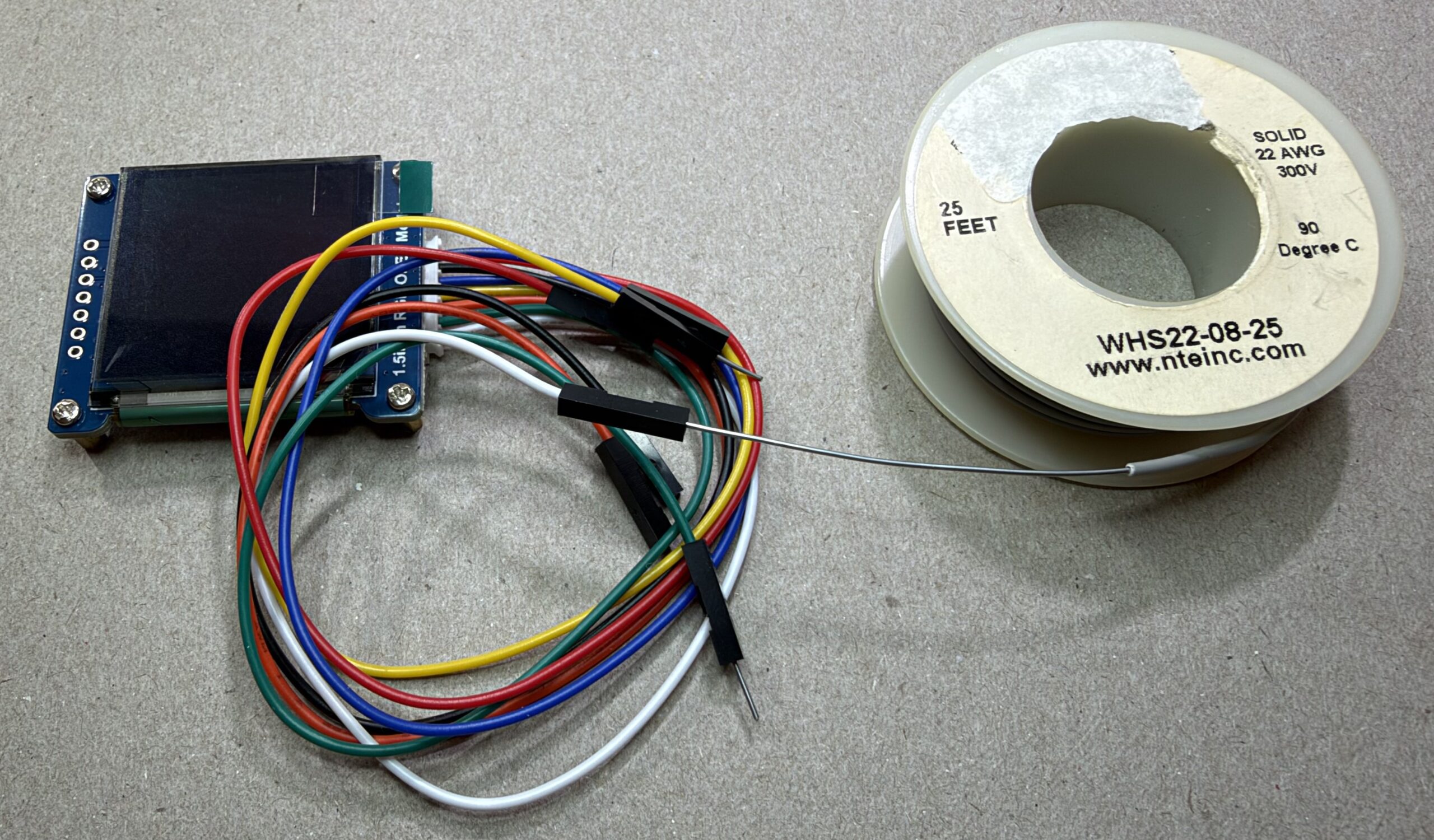
  • As the display wires end with female connectors, push 22AWG (0.5 mm²) solid wires into them to be able to connect the display to the bread board. Cut them to the correct length based on other wires that came with the bread board.
Connect the display

  • Connect the display to the bread board based on Face: 1.5″ SPI OLED. Depending on the display use the appropriate column.
  • Upload the firmware/tests/oled_face/oled_face.ino file to the board
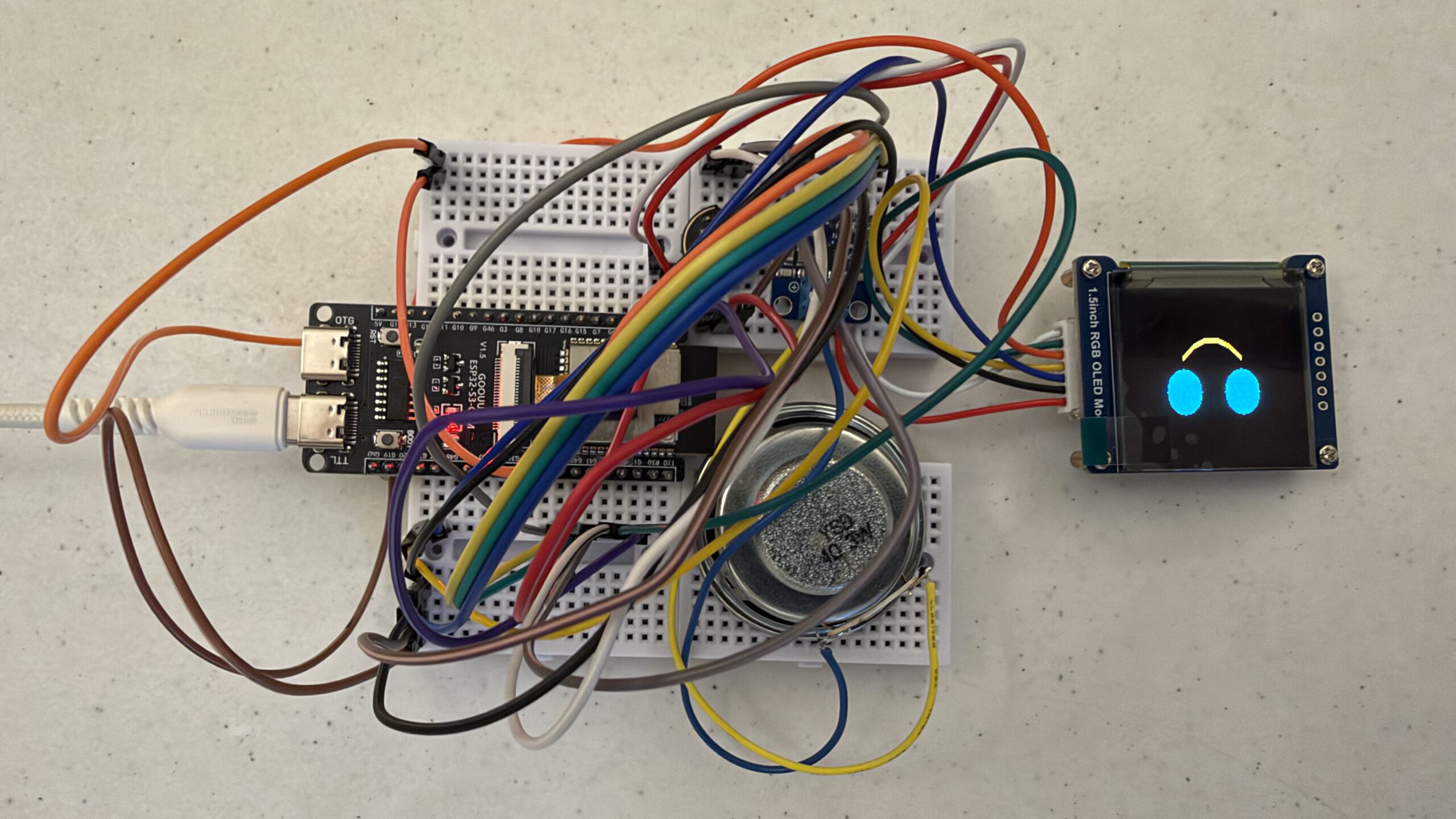
  • The display should show a blinking happy face.

Tags:

AI
Author

Laszlo Pinter

Follow Me
Other Articles
Previous

Happy, the AI hardware robot – the mouth – amp and speaker

Next

Happy, the AI hardware robot – the neck – servo motor

No Comment! Be the first one.

Leave a Reply Cancel reply

Your email address will not be published. Required fields are marked *

Search

Last Changes

  • How to convert STL file to solid in FreeCAD November 16, 2026
  • FreeCAD installation issue November 15, 2026
  • Happy, the AI hardware robot - understanding - speech to text November 15, 2026
  • Building Happy, the AI hardware robot November 14, 2026
  • Happy, the AI hardware robot – Configuration November 14, 2026

Tags

.NET .NETcore 3Dprinting AI AutodeskInventor AWS C# Chef cloud DevOps Docker EntityFramework Games Git Go iOS iPad iPhone iPod Java Kubernetes Linux MacOSX MSSQL MVC MySql Node.js Packer Python RDS RightScale Ruby security Splunk TeamCity Terraform TestKitchen Tomcat Ubuntu Vagrant VirtualBox VisualStudio Windows WordPress Xcode

Recent Comments

  • Laszlo Pinter on Turn off the built in touchpad when a mouse is attached
  • Kenneth Bush on Turn off the built in touchpad when a mouse is attached
  • Zengei László on MyHeritage családfa exportálása és küldése emailben
  • Raúl Castillo on DynDns update error
  • MICHAEL on Windows Media Player 12 cannot find the album information

–

  • Log in
  • Entries feed
  • Comments feed
  • WordPress.org
Copyright 2026 — Pinter Computing. All rights reserved.