
These are the steps to connect and test the servo motor for the Building Happy, the AI hardware robot project
Connect the servo to the board
- As the ground holes are all occupied in the lower left corner of the breadboard, connect the second row with a small piece of insulated solid wire to the first row to add more ground locations on the breadboard.
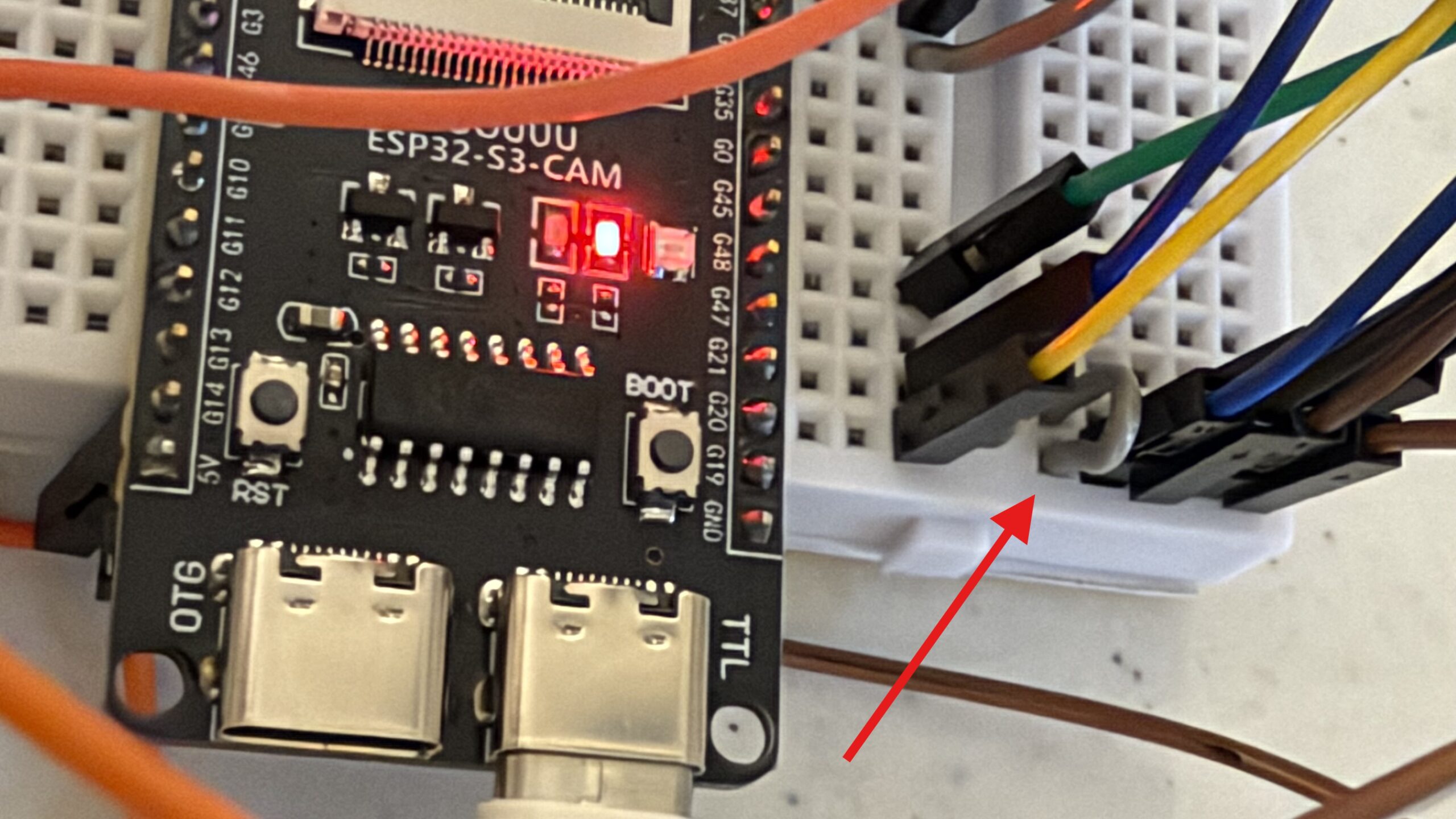
- Connect the servo motor to the bread board based on Neck: micro servo
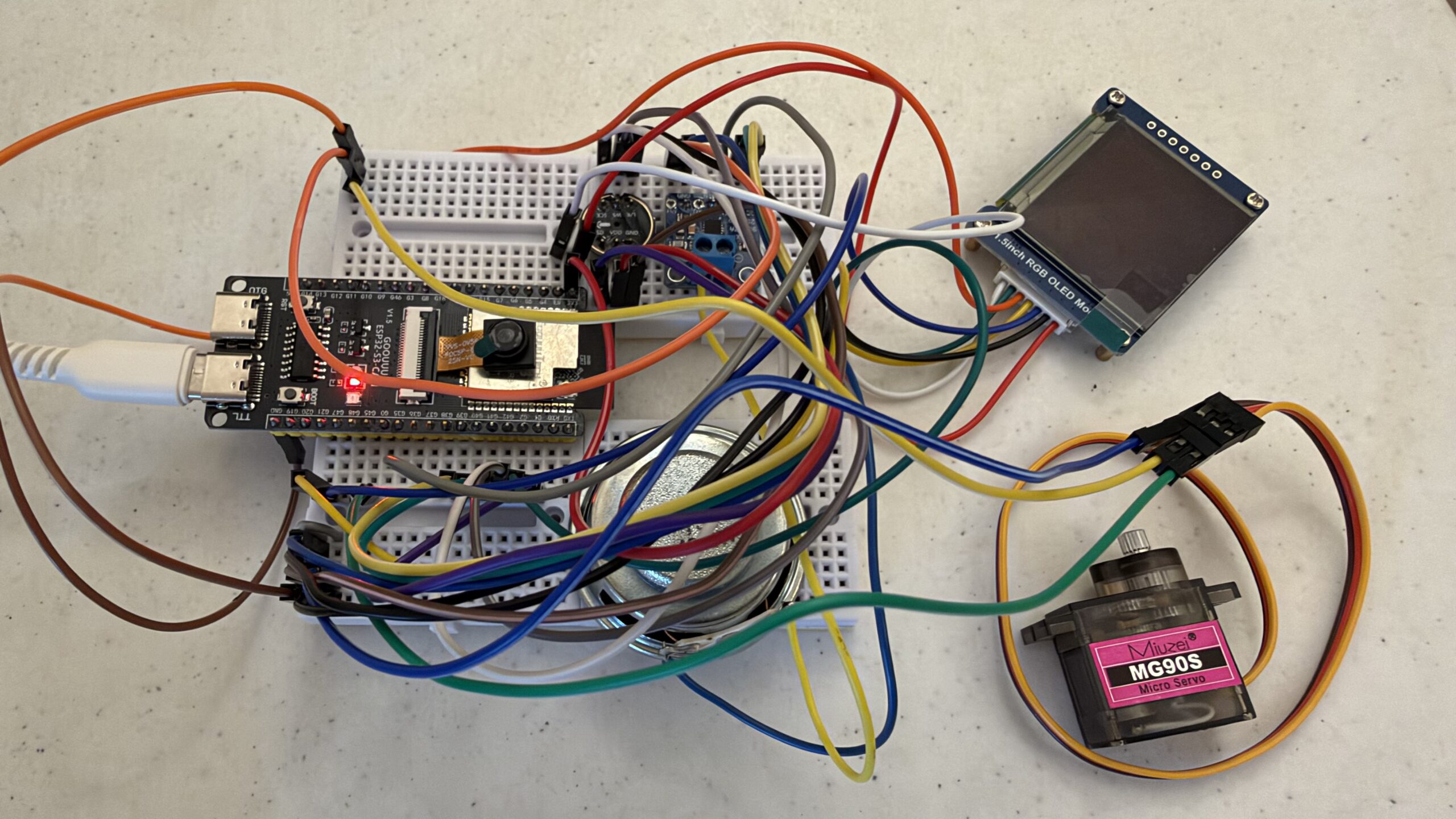
Test the servo motor
- Upload the firmware/tests/servo_test/servo_test.ino file to the board
- The servo should slowly move back and forth.
